Move-Out Made Simple: Transfer Your Smart Home Like a Pro
Today we are sharing a renter’s moving checklist for transferring smart home gear, turning chaos into a calm, confident plan. From locks and lighting to thermostats and cameras, we will guide you through inventorying, unpairing, packing, and reinstalling without losing automations or privacy. Expect practical steps, quick wins, and stories that keep you smiling on a hectic day. Join in, save this guide, and subscribe for more helpful moves that respect leases, protect your deposit, and keep your connected life running smoothly.

Map Every Device You Own

List brand, model, serial number, firmware version, and location for each device, along with whether it is paired to a hub or cloud account. Group by category to uncover duplicates or underused gadgets. A simple spreadsheet or notes app with photos can save hours later. Include tiny items like contact sensors, spare batteries, magnetic mounts, and screws, because those easily vanish on moving day and can delay reinstallations when time matters most.

Capture Automations Before You Forget

Take screenshots and notes of routines, scenes, schedules, and triggers across your apps so you can rebuild them quickly. Record conditionals, sunrise offsets, and presence rules that are easy to overlook when tired. A renter in our community once recreated a perfect bedtime scene from a handful of screenshots in minutes, while a friend who relied on memory spent hours troubleshooting a single motion rule that no longer dimmed just right.

Audit Shared Access and Permissions

Document who has access to locks, cameras, and alarms, plus any shared homes or guest accounts. Plan when to revoke invites and when to notify roommates or partners about changes, avoiding surprise lockouts. Mark calendar reminders so timing is smooth. Remember that some platforms cache permissions, so leaving a share active could create confusion later. Clear, polite communication prevents friction and helps everyone feel respected during an already demanding transition.

Know the Rules and Protect Your Deposit

Respecting your lease and local regulations is as important as protecting your devices. Many agreements require returning walls, doors, and fixtures to their original state, and some require written approval before installing smart locks, thermostats, or wired devices. A quick email thread with a move-out plan can keep everyone aligned. When Jamal proactively shared photos and a removal schedule, his landlord praised the professionalism and returned the full deposit on the spot.

Lease Clauses and Approvals

Review clauses that mention alterations, fixtures, and security devices. Ask for written permission when swapping thermostats or installing door viewers and locks, and keep those approvals handy for move-out. If you upgraded anything, confirm whether it must stay or can go. Clear agreements prevent disputes and help you set expectations for the handover condition. A short, friendly email often avoids costly misunderstandings that emerge only when keys change hands.

Damage-Free Removal Techniques

Use painter’s tape guides, adhesive removers, and gentle prying tools to lift mounts without tearing paint. Replace any original plates or hardware you stored. Patch small holes with lightweight spackle, sand lightly, and touch up with matching paint. Have spare wall anchors and a level ready to rehang original fixtures if needed. These details demonstrate care, reduce inspection time, and show that you value the space as much as your smart setup.

Plan the New Network and Ecosystems

A smooth first night in the new place depends on coverage, compatibility, and controller decisions made now. Check where routers, hubs, and power outlets can live without clutter or interference. Decide whether to consolidate platforms, adopt Matter and Thread, or keep a hybrid approach that balances reliability and convenience. Make a simple map of where sensors and cameras will go, so you can stage devices and connect essentials before the rush of boxes.

Securely Unlink, Reset, and Wipe

In each app, remove devices from the home, revoke shares, and sign out hubs before factory resets. For cameras, eject SD cards and securely erase recordings. Confirm devices disappear from cloud dashboards and voice assistants. Keep a small log of reset sequences, since button timings vary by brand. This habit reduces orphaned entries, prevents ghost notifications, and protects your personal moments from lingering anywhere they do not belong after you hand over keys.

Transfer Ownership Without Headaches

If selling or gifting gear, complete official transfer steps so the next user can onboard smoothly. Provide original boxes, manuals, and a simple quick-start note. Verify that warranty registration and device activation are cleared. When Raj sold a doorbell without unlinking it, the buyer could not add it for days. A two-minute ownership release would have avoided friction and ensured the device was ready for its new home the same afternoon.

Pack Smart Gear Like Delicate Instruments
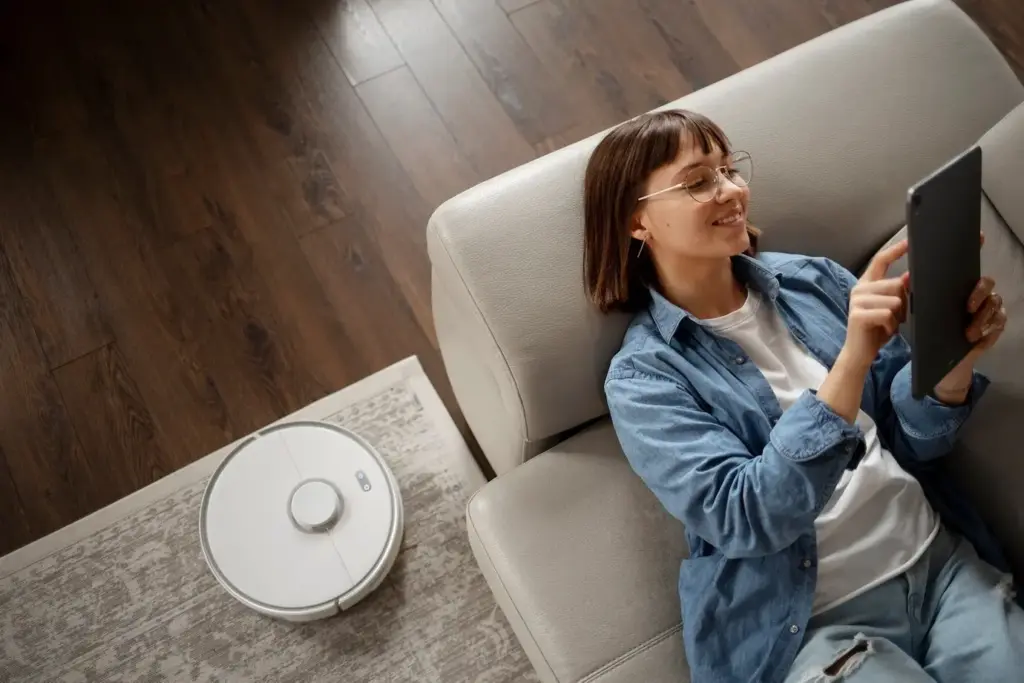
Treat sensors, hubs, and cameras with the same care you give glassware. Static, shock, and pressure can quietly break delicate radios or lenses. Use original boxes when possible, add antistatic bags for boards or bridges, and cushion generously. Label every cable to its device. Keep a small go-bag for the essentials you will need first. When Ana packed her router last, she brought Wi-Fi online in minutes and saved an evening of frantic searching.

Phased Setup Order That Saves Time

Start with internet and Wi-Fi, then hubs and bridges, followed by door locks and entry sensors. Next, bring online thermostats, key lights, and any cameras securing high-traffic areas. Finish with accent lighting, smart plugs, and nicer-to-have gadgets. Pair devices room by room to avoid confusion. Run quick tests after each addition. This controlled sequence isolates problems, minimizes duplicate work, and ensures comfort and safety are restored before you dive into finer automation details.

Rebuild Automations With Better Logic

Use your screenshots and notes to recreate routines, but improve them with cleaner names, clearer conditions, and fail-safes. Consider sunrise offsets that match new window exposure, or motion cooldowns that fit new hallway traffic. Add energy schedules for plug loads and smarter presence rules for roommates. When Diego moved, he cut notification noise by half by grouping triggers and throttling alerts. Small refinements now deliver months of peace and fewer late-night interruptions.
Vukanarizefupupemu
Privacy Overview

This website uses cookies so that we can provide you with the best user experience possible. Cookie information is stored in your browser and performs functions such as recognising you when you return to our website and helping our team to understand which sections of the website you find most interesting and useful.